






Multi-Model Parameter Management
Organize and manage parameters for multiple models or other processes in a single Case Setup.
Automate model creation and analysis with scripting
PRODUCT OVERVIEW
There are many situations that benefit from automation of tasks which otherwise require manual work in GT-SUITE’s user interface.
To address these situations, GT offers GT-Automation, a time-saving enterprise package that enables Python scripting of GT-ISE and GT-POST operations, as well as process integration of modeling and simulation tasks. With GT-Automation, users save time and eliminate errors that often come from repeated, tedious operations.
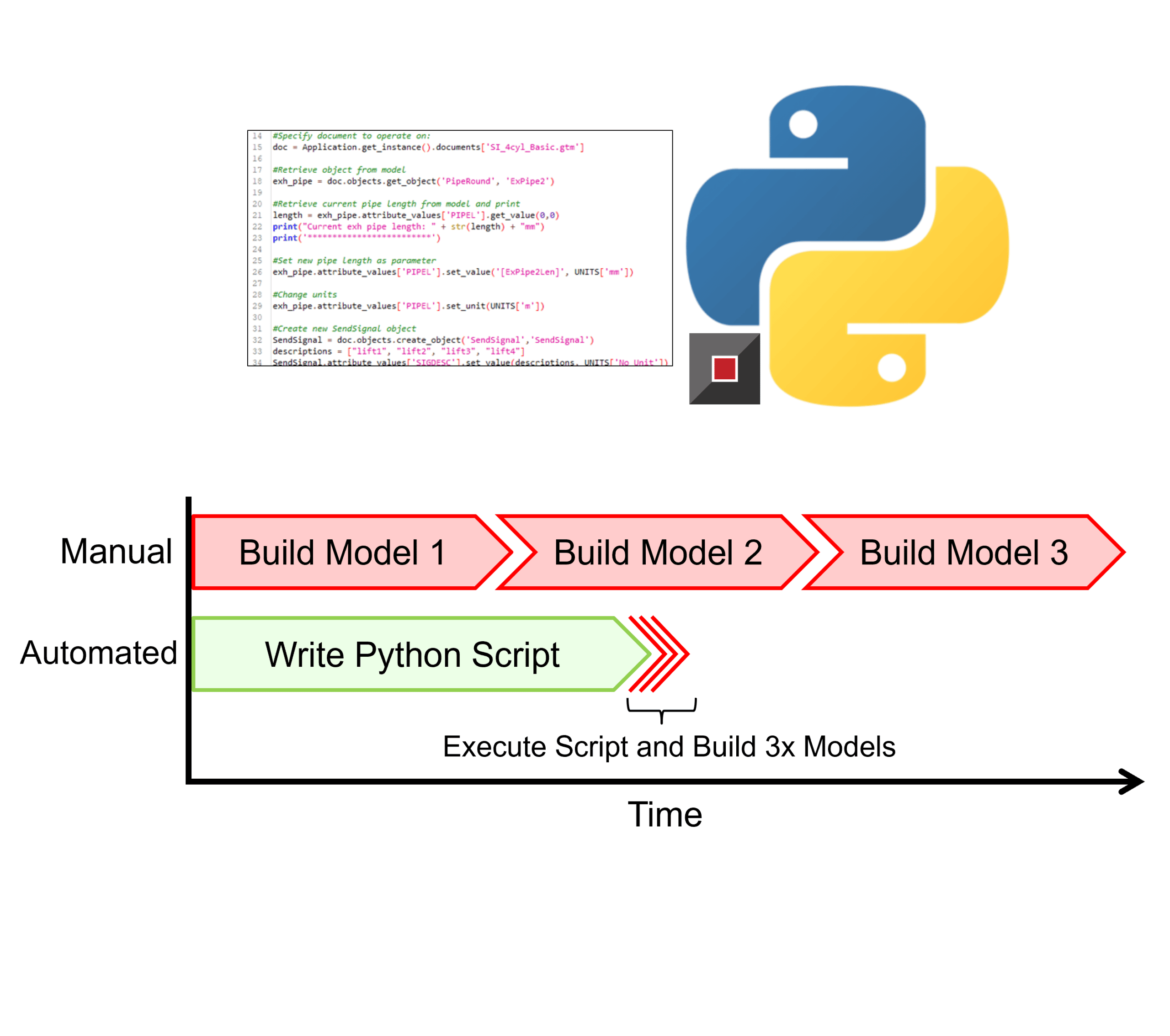
INTERACT WITH MODELS
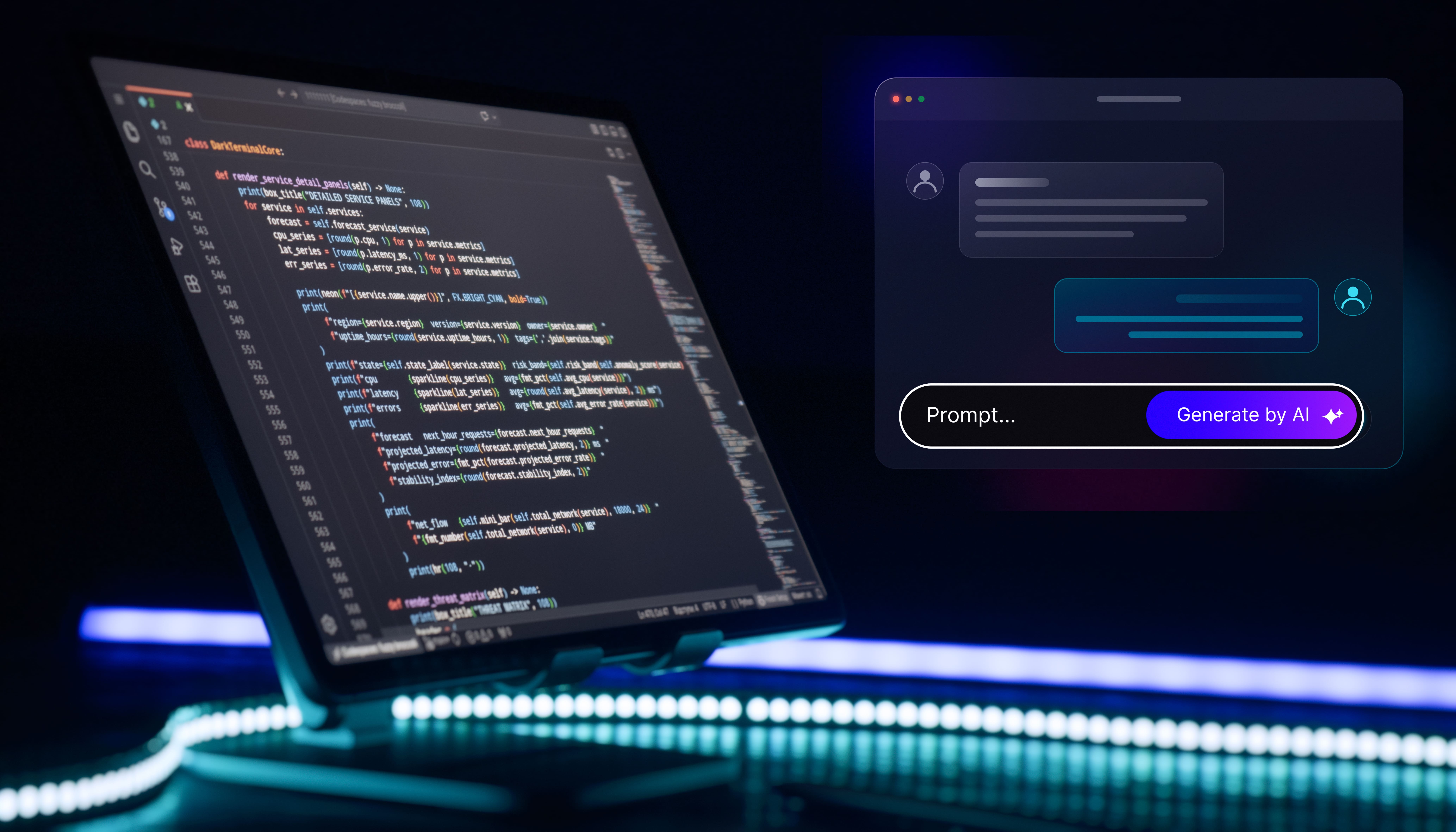
Through the built-in Python editor in GT-ISE, a user is able to execute and develop scripts to perform workflow automation and model analysis. This includes even post-processing of results and model iteration.

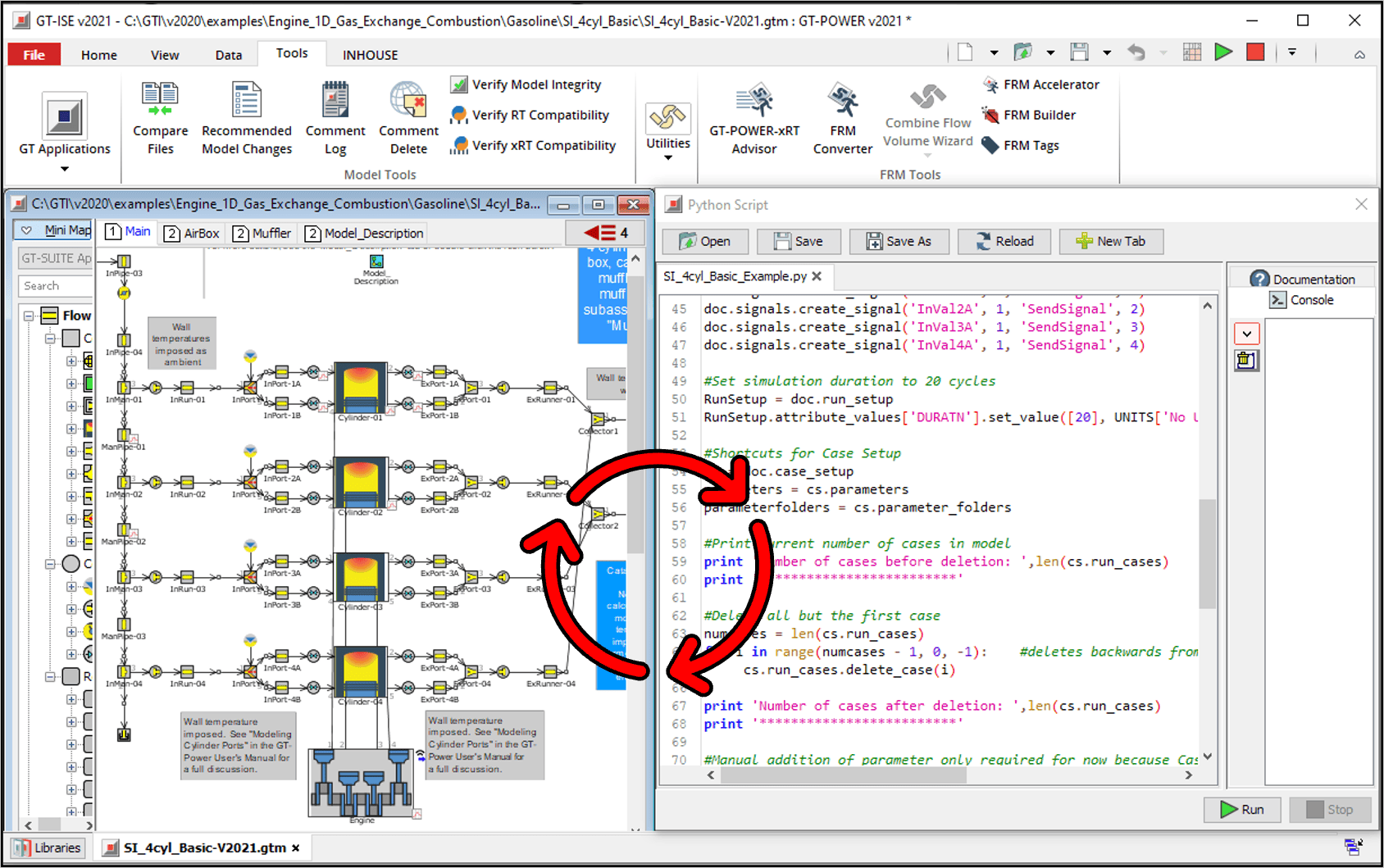
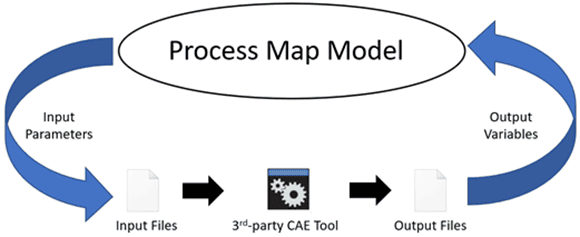
PROCESS MAP
Process Map is GT-SUITE’s process integration platform that enables creation and automatic execution of complex engineering workflows consisting of multiple processes and data transfers among them. In addition to providing a central, GUI-based framework for automating GT-SUITE processes, Process Map can also integrate any in-house or 3rd-party simulation tools, executables, or scripts.
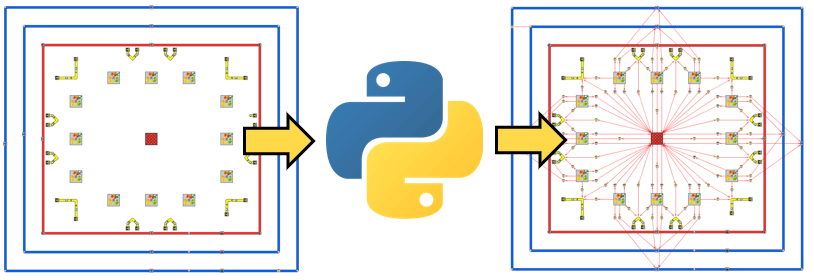
In the video demonstration above, a script executes based on user inputs which programmatically adds multiple battery cell packs to the model map. The script can build as many modules as the user desires based on the input of the user.
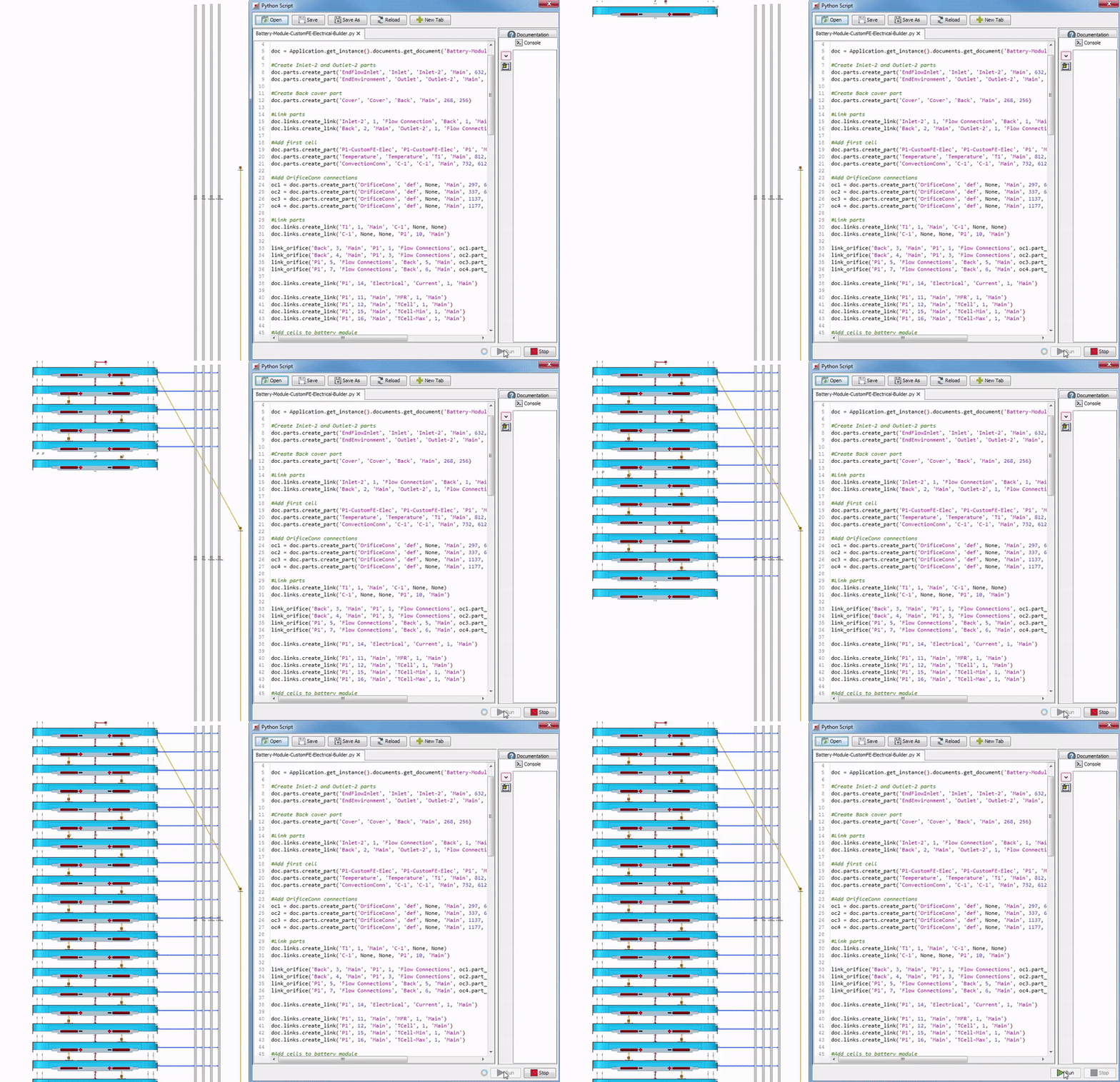
Models with complex linking configurations often involve tedious, repetitive linking operations. For example, battery thermal models can contain hundreds of thermal links. A python script will automate the creation of these links, saving time and reducing errors.
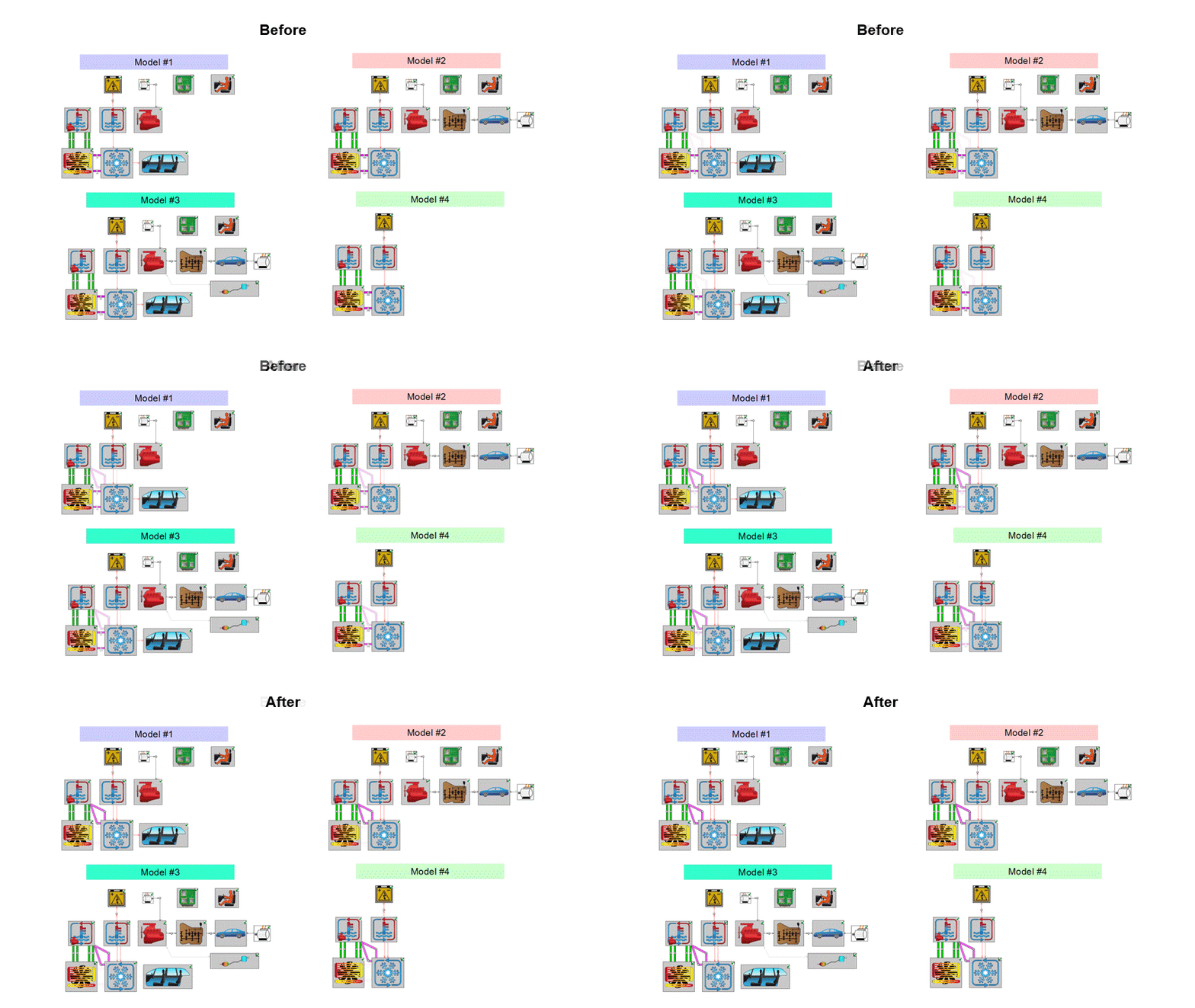
Sometimes there are many models that have significant overlap in structure and that require the same change. This is repetitive and time consuming to do manually.
For example, the image above shows an air conditioning system re-used in several similar platform models. To evaluate the effect of switching from an air cooled to a liquid cooled condenser, these platform models need the same linking/connectivity changes made. With Python scripting in GT-Automation, this is quickly and consistently performed compared to manually changing each model.
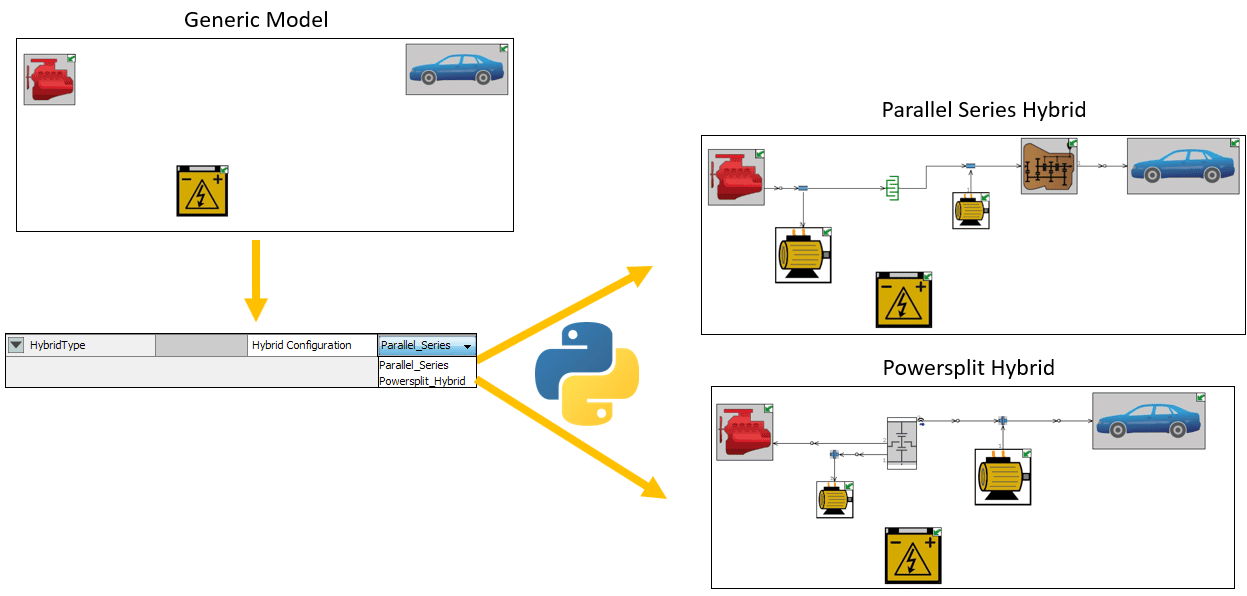
Entire subsystems can be dynamically added or removed, including replacing parts, based on user selections in Case Setup. In the example below, a drop-down choice (Super Parameter) is made by the user, and as the model runs, a python script transforms the model based on the choice made.
Advanced Features
Organize and manage parameters for multiple models or other processes in a single Case Setup.
Optimize Process Map workflows using the Integrated Design Optimizer.
Set up and run DOEs on Process Map workflows.
Automate nested optimizations and DOEs.
Use Process Map as a “wrapper” around non-GT-SUITE processes.
Consolidate the results from multiple processes to a single .glx result file.